The CRO audit checklist: 11 steps for ecommerce stores
Audit by method, not by page. Eleven passes, run in order: confirm the analytics are real, size the leaks, read what customers already told you, and only then look at the pages themselves.
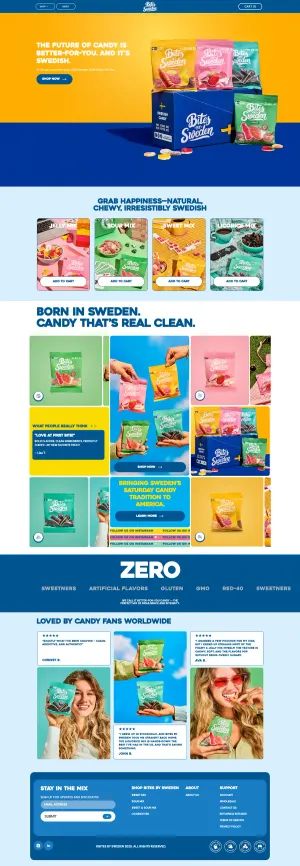
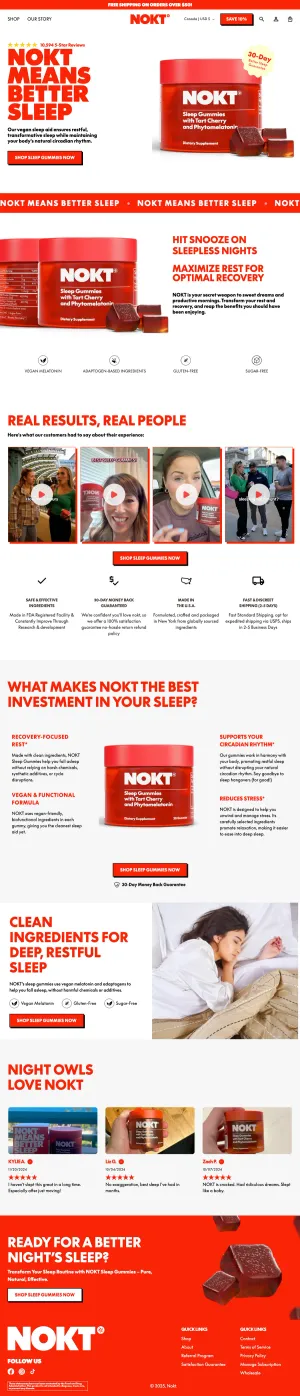
Most CRO audits are page-shaped. Somebody opens the homepage, then the collection page, then the product page, and writes down what looks wrong.
That produces opinions. It rarely produces a testing roadmap.
This checklist is method-shaped instead. Each step is a different way of finding out what is broken, and each one surfaces problems the others miss. Work through them in order; the early steps tell you where to point the expensive later ones.
If you want the shorter version with the reasoning attached rather than the full eleven steps, it is Chapter 2 of our CRO course. This post is the long form of that chapter; the course itself covers the seven other stages around it.
1. Check the analytics are trustworthy first
Before you look at a single number, confirm the numbers are real.
Look for duplicate purchase events, bot traffic in your sessions, a conversion rate that changed the week someone touched the tag manager. If you are on GA4, check that purchases reconcile with the Shopify admin within a couple of percent.
Auditing on broken data is worse than not auditing, because you will act with confidence on something false.
2. Build the funnel and find the biggest leak
Session → product view → add to cart → checkout start → purchase.
Get the step-to-step rates. You are not looking for a “bad” number in the abstract. You are looking for the step where you lose the most people relative to what that step should hold.
A store losing 70% between add-to-cart and checkout start has a cart problem worth more than every product page tweak combined. Fix in order of leak size, not in order of how easy it is.
3. Split every number by device
Desktop and mobile are different stores with different problems, and the blended number hides both.
Mobile is usually 70-80% of sessions and roughly half the conversion rate. If you only ever look at the average, you are looking at a store that nobody actually uses.
4. Read the helpdesk
The cheapest research in ecommerce. Export the last 300 tickets, tag them by theme, and count.
Every recurring question is a question your site failed to answer. The top five themes are your next five product page changes, and they arrive pre-validated: real customers, real confusion, no interpretation required.
5. Mine the reviews, yours and your competitors’
Your own reviews tell you what people love, which is your copy.
Competitor reviews tell you what people hate, which is your positioning. One-star and three-star reviews are the useful ones; five-star reviews are mostly noise.
Pull the recurring phrases out verbatim. Customers describe the product better than the brand does, every time.
6. Watch ten session recordings, properly
Not fifty. Ten, watched end to end, with a notebook.
Filter for sessions that reached the cart and did not purchase. You are watching for hesitation: scroll-backs, rage clicks, repeated toggling between variants, long pauses on shipping copy.
Ten attentive recordings beat a hundred skimmed ones.
7. Run heuristics against the page (LIFT or similar)
Now, and only now, look at the pages themselves.
Use a framework so it stays honest. LIFT works: for each page, ask what the value proposition is, what creates relevance, what adds clarity, what creates urgency, what causes anxiety, and what distracts.
Anxiety and clarity produce the most wins on ecommerce product pages. Urgency produces the most regrets.
8. Check the page against the ad that sent the traffic
Open your top five ads, click each one, and look at where you land.
Message mismatch between the ad and the landing page is one of the most common and most fixable problems in paid ecommerce. If the ad promises “for sensitive skin” and the page opens with a generic hero, the visitor has to do work to confirm they are in the right place. Many will not.
9. Measure the page speed you actually ship
Not the Lighthouse score on your laptop. Field data, meaning Core Web Vitals from real visitors, on mobile, on the templates that matter.
LCP is usually the hero image on the product page. It is also usually the thing nobody has looked at since launch.
Speed is a conversion variable, not a hygiene one.
10. Survey the people who did buy
One question, on the thank-you page: “What almost stopped you from ordering today?”
The answers are the objections your page failed to handle, from people motivated enough to have pushed through anyway. Everyone who did not push through never told you.
Fifty responses is enough to see the pattern.
11. Turn the list into a ranked roadmap, and be honest about traffic
You now have more problems than you have traffic to test.
Rank by expected impact over effort, then sanity-check every proposed test against your actual volume. Use a significance calculator before you commit: if a test needs 200,000 visitors per arm and you get 1,500 a day, it is not a test. It is a decision, and you should make it on judgment and move on.
The honest output of an audit is usually three tests worth running and fifteen changes worth making without testing. Say which is which.
Data-backed experiments, every Tuesday
3 short examples, 2 CRO tips, 1 teardown. Every Tuesday.